


Initial Setup of TV Basic / Live
- Open the "Google Play Store".
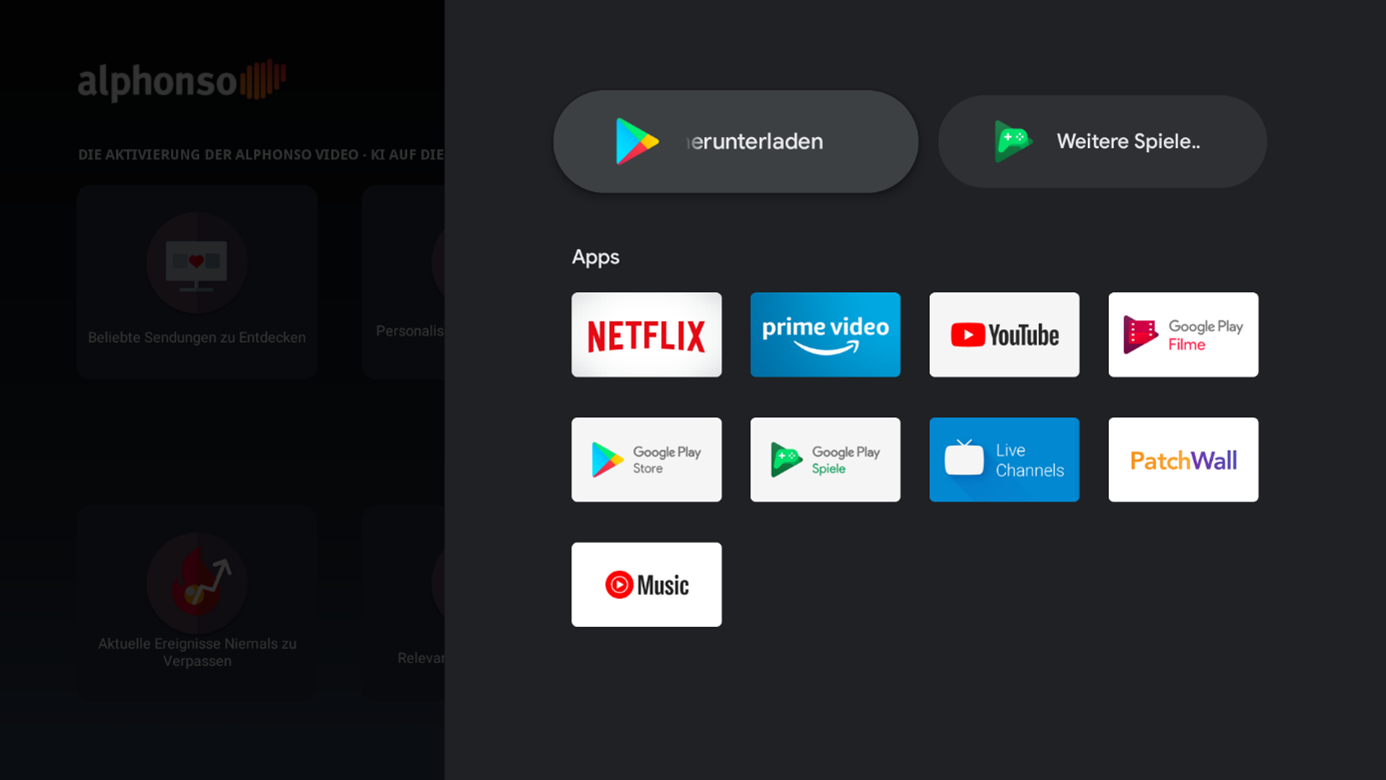
2. Now use the search (magnifying glass) to find the app “Downloader by AFTVnews.”
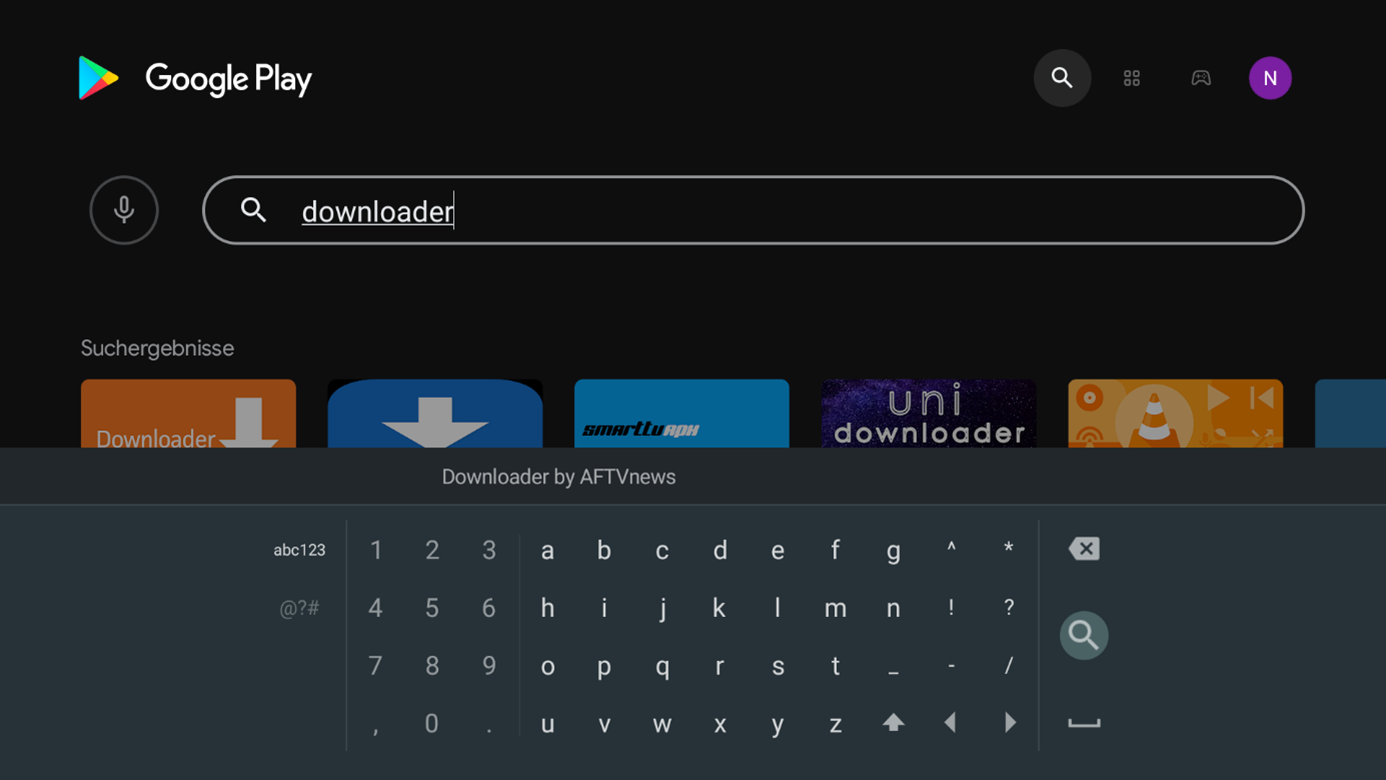
3. Select the app “Downloader by AFTVnews” in the following window.

4. Now confirm the menu option “Install.”
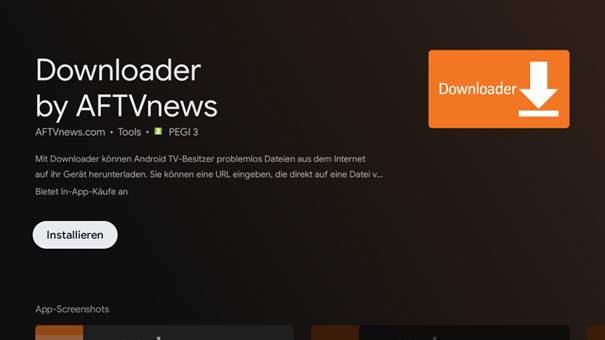
5. Select “Open” to launch the app.

6. Confirm the following window by selecting “Allow.”

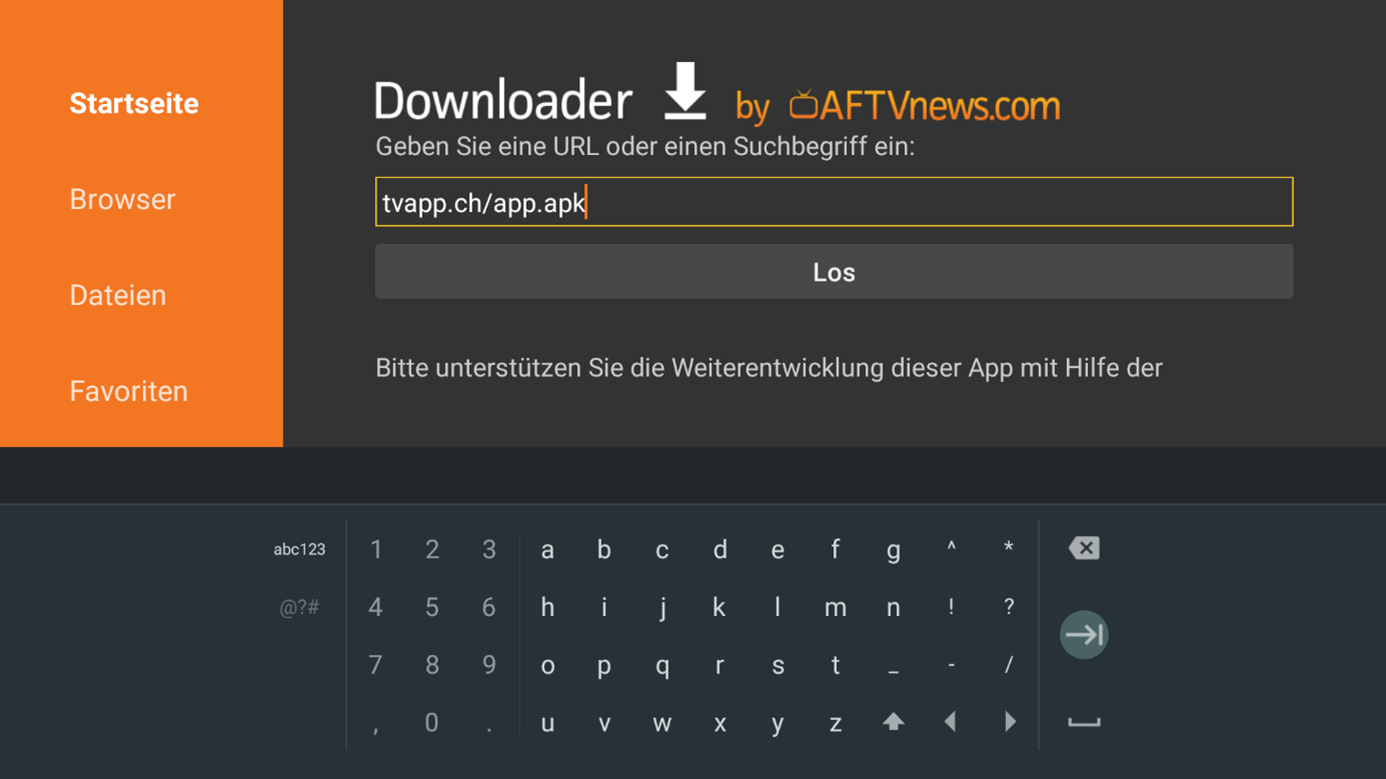
7. Enter the URL “tvapp.ch/app.apk” in the downloader’s search bar and confirm with “Go.”
8. In the following window, select and confirm the option “Settings.”
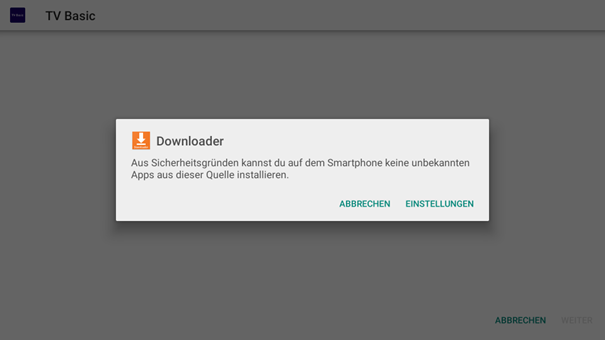
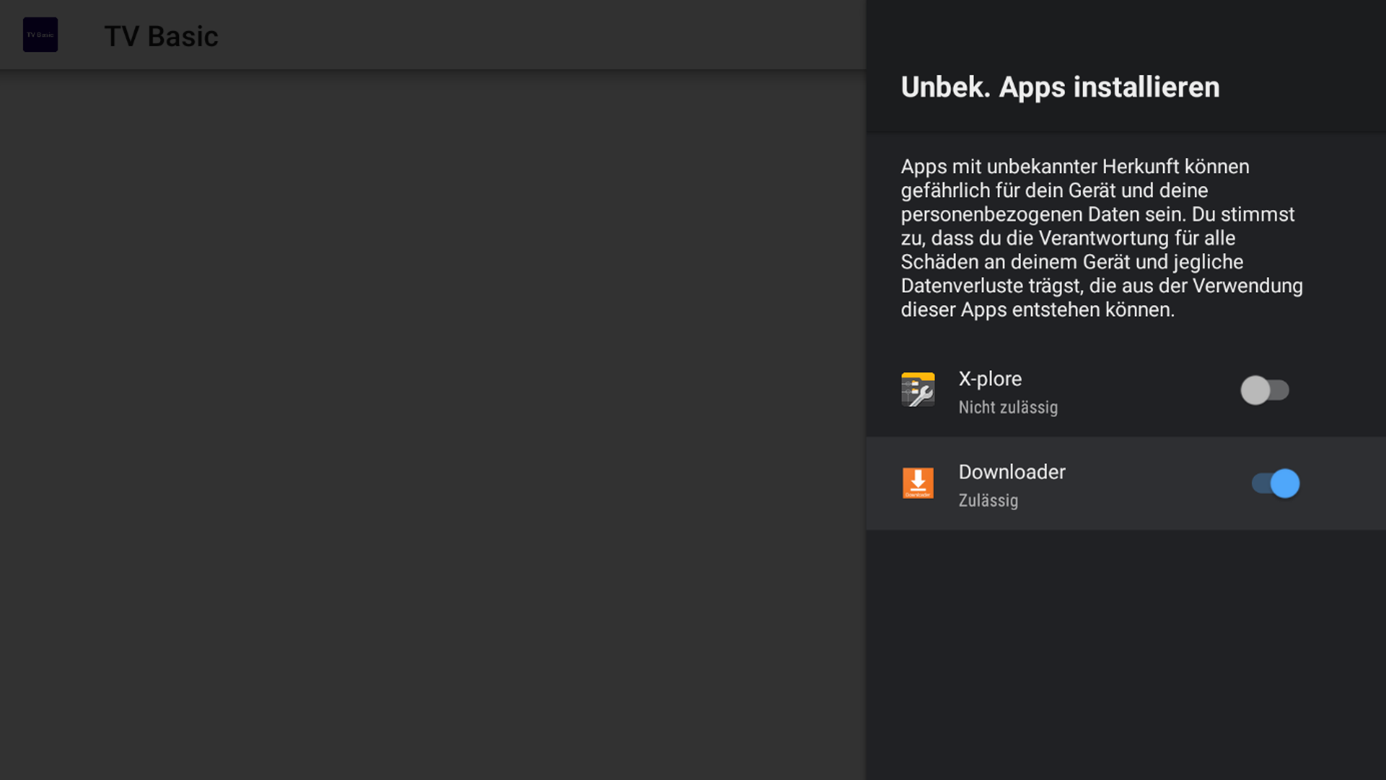
9. Select “Downloader” and confirm that installation of the app is allowed.
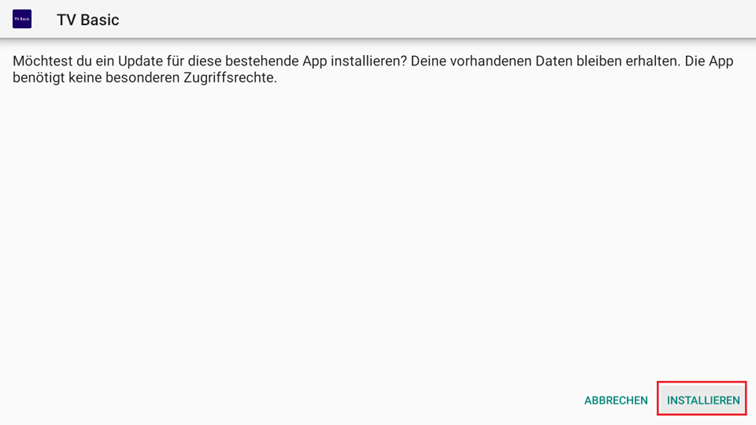
10. Go back, then select “Install” and confirm the step in the following window.
11. After the installation is complete, you will be prompted to enter your login credentials.
You can find this information in your customer account.
Tip:
- Create a shortcut for the TV app on the home screen so you can access it more quickly.
- Regularly update both the app and the box to benefit from new features.
- Set the display resolution to 1080p on the TV box for the best picture (2160p not recommended!).
